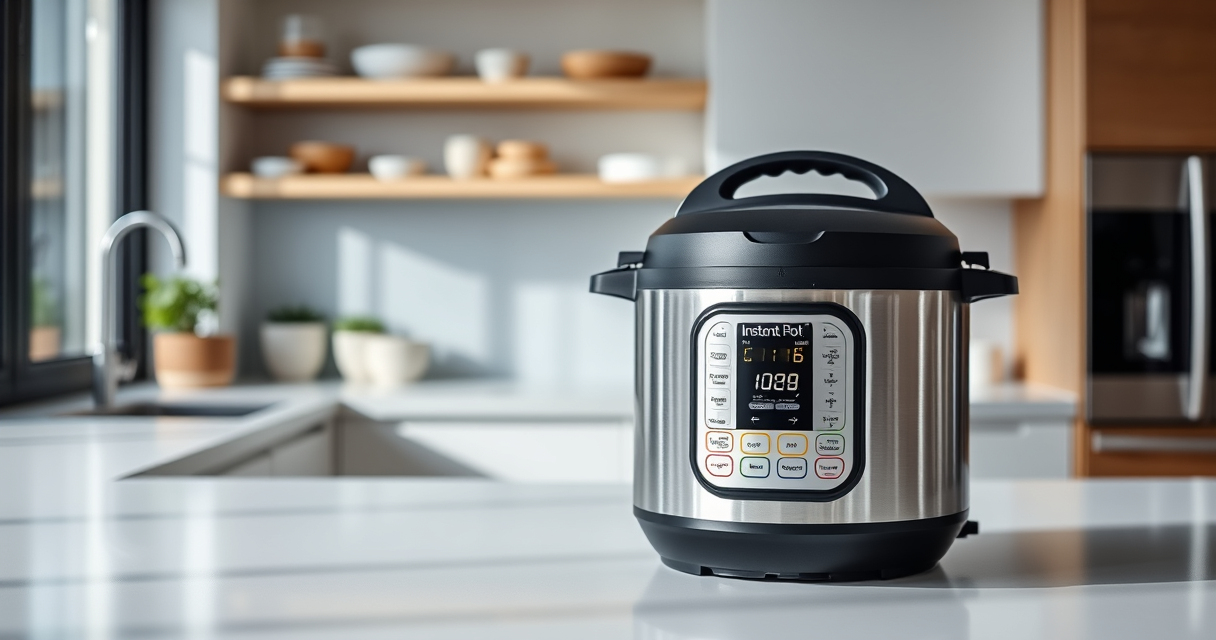

If your Instant Pot displays a burn error message, it can be frustrating and disruptive to your cooking. This error often occurs when the device detects food or liquid that might cause burning or scorching during pressure cooking.

Get home appliances delivered free with Prime
- Fast, free delivery on millions of items
- Prime Video, Amazon Music and more included
- Member-only deals all year
Fortunately, most burn errors are fixable with simple troubleshooting steps. Understanding the common causes and how to address them can help you get back to cooking quickly and safely.
Key Takeaways
| Common Cause | Food sticking to the bottom or overfilling. |
| Prevention | Layer ingredients properly and avoid overfilling. |
| Fix Step 1 | Release pressure safely and inspect the pot. |
| Fix Step 2 | Scrape off any burnt food and clean the bottom. |
| Maintenance | Use the proper amount of liquid and avoid thick sauces. |
Understanding the Burn Error
The burn error occurs when the Instant Pot’s sensor detects food or liquid that could burn during cooking. It is a safety feature to prevent damage to the device and ensure food safety.
Step-by-Step Fix
- Turn off and unplug your Instant Pot. Carefully release pressure using the quick release method or natural release, depending on your recipe.
- Open the lid and inspect the inner pot for burnt or stuck food.
- Use a spatula or spoon to gently scrape off any burnt bits from the bottom of the inner pot.
- Clean the bottom of the inner pot thoroughly, ensuring no food residue remains.
- Check the sealing ring and float valve for proper placement and cleanliness.
- Refill with fresh ingredients, avoiding overfilling or thick sauces that can cause burning.
- Close the lid, set the cooking program, and monitor carefully during subsequent cycles.
Tips to Prevent Burn Errors
- Always add at least 1 cup of liquid to ensure proper pressure and prevent burning.
- Layer ingredients properly, placing liquids underneath solids.
- Avoid using thick or sticky sauces that can stick to the bottom.
- Do not overfill your Instant Pot beyond the maximum fill line.
- Use a natural pressure release for dishes with thick ingredients to reduce the risk of burning.
Safety Tips & Warnings
Always handle the lid and inner pot carefully when releasing pressure, as hot steam can cause burns. Regularly inspect and replace the sealing ring to maintain proper sealing and prevent leaks. Never force the lid open if the device is under pressure.
When to Seek Professional Help
If the burn error persists despite cleaning and proper usage, or if your Instant Pot exhibits other issues such as leaks or electrical problems, contact the manufacturer or a qualified repair technician to avoid voiding your warranty or damaging the device.
The Products in This Guide

Instant Pot 4QT RIO Mini 7-in-1 Multi-Cooker
- ✔ Capacity: 4 Quarts
- ✔ Functions: 7-in-1
- ✔ Color: Rosewater

AOZITA Steamer Basket
- ✔ Material: Stainless Steel
- ✔ Size: Fits 6/8 quart
- ✔ Design: 2-tier
Instant Pot 4QT RIO Mini 7-in-1 Multi-Cooker
The Instant Pot 4QT RIO Mini 7-in-1 Multi-Cooker is a versatile, space-saving device suitable for small families or singles. Its user-friendly interface and multiple functions make it a great addition to any kitchen.
Pros:
- 7 cooking functions including pressure, slow, sauté, steam
- Compact size fits small kitchens
- Easy to clean and operate
- Good for up to 4 servings
Cons:
- Limited capacity for large families
- Burn errors can occur if not used properly
- Requires proper maintenance of sealing ring
Best for: Small households needing versatile cooking options
Not ideal for: Large families or for cooking large quantities
Bottom line: A compact, versatile cooker ideal for small meals and limited space.
AOZITA Steamer Basket
The AOZITA Steamer Basket is an excellent accessory to expand your Instant Pot’s functionality. Its two-tier design allows you to cook multiple foods simultaneously, saving time and effort.
Pros:
- Two-tier stackable design
- Made of durable stainless steel
- Compatible with 6 and 8-quart models
- Easy to clean
Cons:
- Requires additional space inside the pot
- May need careful handling when full
Best for: Steaming vegetables, seafood, or reheating leftovers
Not ideal for: For those needing a larger capacity steamer
Bottom line: A versatile steaming accessory that maximizes your Instant Pot’s capabilities.
Frequently Asked Questions
Can burn errors damage my Instant Pot?
Burn errors are safety features that prevent damage by stopping the cooking process. Regular cleaning and correct usage minimize occurrences.
How do I clean the bottom of the inner pot after a burn error?
Allow the pot to cool, then gently scrape off burnt residue with a spatula. Clean thoroughly with warm soapy water to prevent future errors.
What if the burn error keeps appearing even after cleaning?
Ensure your sealing ring and float valve are clean and properly positioned. If problems persist, contact customer support for assistance.
Is it safe to open the lid during a burn error?
No. Always release pressure safely and wait until the device indicates it is safe to open to prevent burns or spills.
Mastering Your Instant Pot: Troubleshooting Made Easy
Burn errors are common but manageable with proper cleaning, ingredient layering, and correct operation. Following these steps can help you keep your Instant Pot running smoothly and safely, so you can enjoy delicious meals without frustration.
Affiliate disclosure: As an Amazon Associate we earn from qualifying purchases. Prices and availability are accurate as of the time of publishing.
Halloween Picks
halloween
As an affiliate, we earn on qualifying purchases.