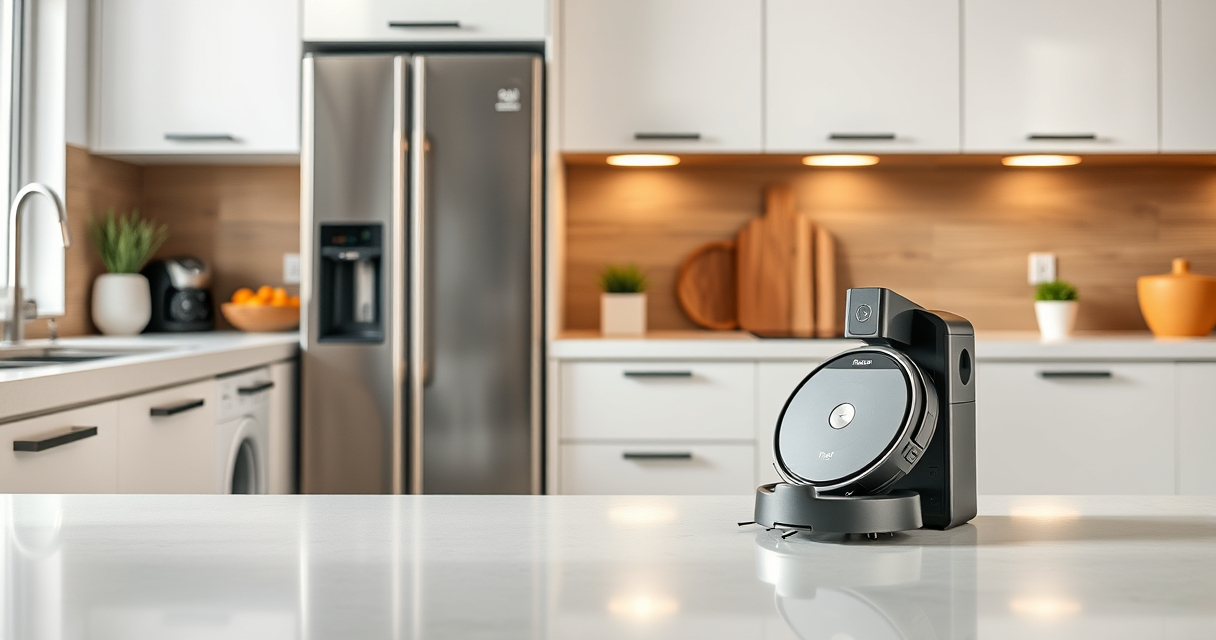

If your Roborock Q10 S5+ robot vacuum isn’t mopping as it should, you’re not alone. Many users experience issues where the vacuum cleans floors but skips the mopping function altogether. This guide provides practical, safe, and effective steps to diagnose and resolve common problems, ensuring your robot delivers thorough cleaning every time.
Before diving into troubleshooting, make sure your device is properly set up and that you have the necessary accessories, such as clean mop pads and filters, on hand. We’ll walk through the most common causes for mopping failures and how to fix them systematically.
Key Takeaways
| Check water tank and mop attachments | Ensure proper installation and cleanliness of water components. |
| Update firmware | Keep your Roborock’s software current for optimal functionality. |
| Verify app settings | Make sure mopping mode is enabled and schedules are correctly set. |
| Inspect sensors and brushes | Clean sensors and brushes to prevent interference with mopping. |
| Perform a reset if needed | Reset the device to factory settings as a last resort. |

roborock Q10 S5+ Robot Vacuum and Mop, 10,000Pa Suction
- Long-Lasting Self-Emptying: 70 days of maintenance-free cleaning
- Powerful Suction: 10,000 Pa for deep cleaning
- Anti-Tangle Dual System: Reduces hair tangling for smooth operation
As an affiliate, we earn on qualifying purchases.
Ensure Proper Water Tank and Mop Pad Installation
- Turn off your Roborock Q10 S5+ and remove it from the charging dock.
- Detach the water tank from the robot. Check that it is filled with clean, filtered water and properly seated.
- Inspect the mop pads and ensure they are securely attached and clean. If dirty or worn, replace or wash them.
- Reinstall the water tank, making sure it clicks into place firmly.
- Power on the robot and select the mopping mode via the app or controls.
This basic step often resolves issues caused by improper assembly or clogged water flow. A loose water tank or dirty mop pad can prevent water from being dispensed during mopping.
Update Firmware and Check App Settings
- Open the Roborock app on your smartphone and connect to your device.
- Navigate to the firmware update section and ensure your robot has the latest software installed.
- Verify that the mopping option is enabled in the cleaning preferences.
- Check your scheduled cleaning routines to confirm that mopping is included.
- Adjust water flow settings if available, setting it to a suitable level for your flooring type.
Firmware updates fix bugs and improve device compatibility. App settings ensure your robot is configured correctly for mopping and won’t skip this function unintentionally.
Clean Sensors and Brushes for Better Performance
- Turn off your vacuum and remove the main brush and side brushes.
- Use a soft brush or cloth to clean hair, debris, and dust from all sensors, including the water dispensing sensors.
- Check the water docking station and water inlet for blockages or buildup.
- Wipe sensors with a microfiber cloth to ensure clear detection of floor types and obstacles.
- Reassemble the brushes and turn the device back on.
Test and Reset the Device If Necessary
If the above steps do not resolve the issue, perform a reset:
- Navigate to the device settings in the app.
- Select the option to reset to factory settings.
- Follow the prompts to complete the reset process.
- Reconfigure your preferences and attempt to run a mopping cycle again.
Sometimes, a simple reset clears software glitches that prevent mopping. If problems persist, consider contacting Roborock support for further assistance.
Additional Tips and Warnings
- Always use clean, filtered water in the tank to prevent clogging.
- Replace mop pads every 1-3 months for best results, or wash them regularly.
- Do not force the device if it encounters obstacles—use obstacle avoidance features.
- Regularly inspect and clean sensors to ensure accurate navigation.
- Avoid overfilling the water tank, which might cause leaks or malfunctions.
Following these tips will help maintain your Roborock’s mopping performance and extend its lifespan. Never attempt to disassemble the device beyond the instructions provided, as improper handling can damage sensitive components.
The Products in This Guide

roborock Q10 S5+ Robot Vacuum and Mop
- ✔ Weight: Approx. 4.6 kg
- ✔ Charging Time: Approx. 5 hours
- ✔ Dimensions: Approx. 353mm diameter

4 Pack Washable Filter
- ✔ Material: HEPA
- ✔ Pack: 4 filters
- ✔ Compatibility: Multiple models
roborock Q10 S5+ Robot Vacuum and Mop
The Roborock Q10 S5+ combines strong suction, obstacle avoidance, and sonic mopping to deliver comprehensive cleaning. Its self-emptying station and dual anti-tangle design reduce maintenance, making it ideal for busy households.
Pros:
- Powerful 10,000 Pa suction
- Self-emptying station for 70 days of maintenance-free cleaning
- Obstacle avoidance for efficient navigation
- Sonic mopping with Auto Mop Lifting
- Dual anti-tangle system minimizes hair tangling
Cons:
- Higher price point
- Requires regular filter and mop pad replacements
- Complex setup for first-time users
Best for: Large households and pet owners seeking a reliable, high-performance robot vacuum and mop
Not ideal for: Users seeking a budget-friendly or simple vacuum without advanced features
Bottom line: Roborock Q10 S5+ is a powerful, feature-rich vacuum and mop with smart navigation and minimal maintenance needs.
4 Pack Washable Filter
These 4-pack washable filters are compatible with multiple Roborock models, including the Q7 and Q5 series. They ensure your vacuum maintains high suction and filtration efficiency, reducing the need for frequent replacements.
Pros:
- Highly effective filtration
- Reusable and washable
- Easy to install
- Cost-effective over time
Cons:
- Must be washed regularly
- Not OEM, but compatible quality
Best for: Maintaining optimal filtration and suction in Roborock vacuums
Not ideal for: Users looking for OEM-certified filters only
Bottom line: These washable filters provide a reliable, cost-effective way to keep your Roborock performing at its best.
Frequently Asked Questions
Why isn’t my Roborock Q10 S5+ mopping?
Common reasons include improper water tank installation, dirty mop pads, outdated firmware, or sensor obstructions. Follow the troubleshooting steps to identify and fix the issue.
How often should I replace or wash the mop pads?
It’s recommended to wash the microfiber mop pads every 1-3 months, depending on usage, and replace them every 3-6 months for optimal cleaning.
Can I use any water in the tank?
Use clean, filtered water to prevent clogging and ensure smooth water flow during mopping. Avoid using cleaning agents or chemicals unless specified by Roborock.
What should I do if firmware is up to date but mopping still doesn’t work?
Inspect the water tank and mop pads for proper installation and cleanliness. Clean sensors and brushes, then perform a device reset if necessary.
Is regular cleaning of sensors necessary?
Yes, regular cleaning of sensors ensures accurate navigation and proper water dispensing. Use a microfiber cloth and gentle cleaning tools.
Keep Your Roborock Mopping Smoothly
Maintaining your Roborock Q10 S5+ for optimal mopping performance involves regular checks, updates, and cleaning routines. By following these troubleshooting steps, you can resolve most common issues and enjoy spotless floors with minimal effort. Remember, a clean device is a happy device, ensuring your home stays clean and hygienic effortlessly.
Affiliate disclosure: As an Amazon Associate we earn from qualifying purchases. Prices and availability are accurate as of the time of publishing.