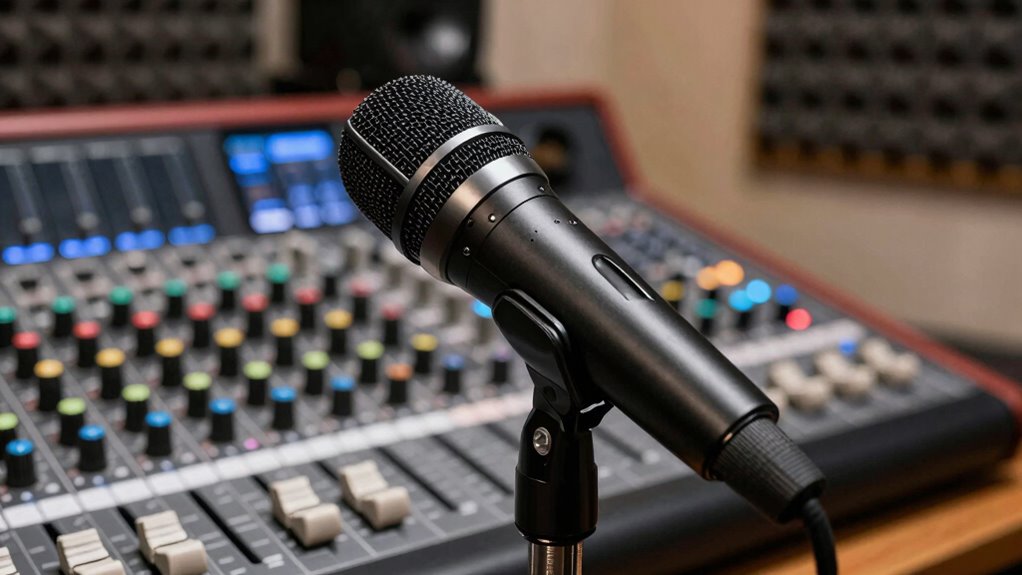

To make your small podcast sound massive, focus on choosing a durable, quality microphone and optimizing your recording environment with soundproofing and acoustic treatment. Use simple techniques like EQ and compression to clarify your voice and eliminate harsh sounds, while noise reduction tools help clean up background hums. Regularly test your audio on different devices and maintain consistent levels. Mastering these steps will elevate your sound, and if you keep exploring, you’ll find even more ways to upgrade your podcast’s quality.
Key Takeaways
- Use high-quality, durable microphones with proper placement to capture clear, rich sound from the start.
- Apply gentle EQ and compression to enhance natural tones and create a fuller, more professional audio.
- Optimize your recording environment with acoustic treatment and soundproofing to reduce echo and background noise.
- Regularly monitor and adjust audio levels during recording to prevent clipping and ensure consistent volume.
- Perform thorough post-processing with noise reduction, EQ, and compression for a polished, broadcast-quality sound.

Logitech Creators Blue Yeti USB Microphone for PC, Mac, Gaming, Recording, Streaming, Podcasting, Studio and Computer Condenser Mic with Blue VO!CE effects, 4 Pickup Patterns, Plug and Play – Blackout
- Custom three-capsule array: Produces broadcast-quality sound
- Blue VO!CE software: Enhances recordings with effects and modulation
- Four pickup patterns: Flexible recording options for various uses
As an affiliate, we earn on qualifying purchases.
As an affiliate, we earn on qualifying purchases.
How to Choose the Best Microphone for Your Podcast Budget
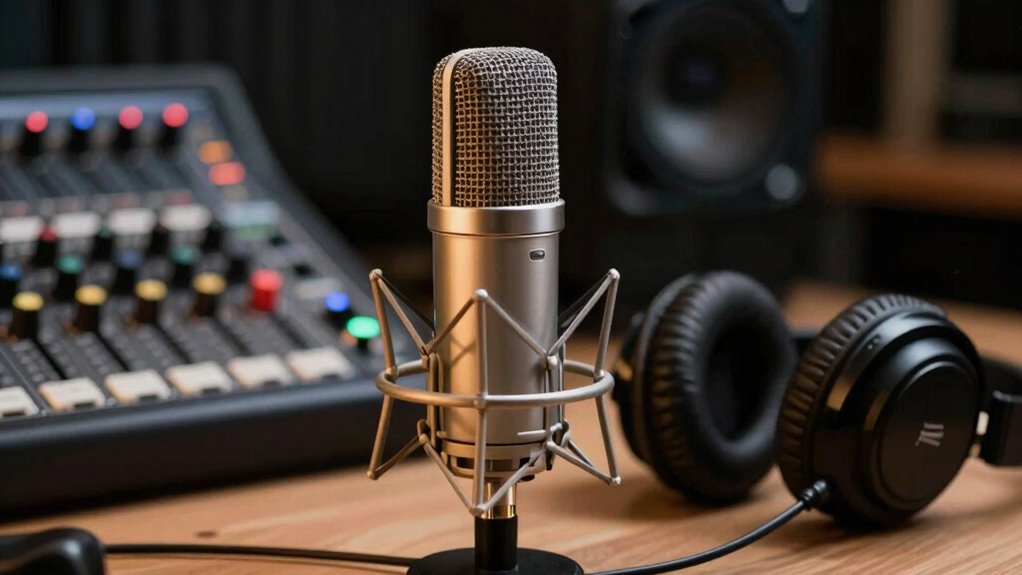
Choosing the right microphone for your podcast can seem overwhelming, especially if you’re working with a limited budget. To make a smart choice, consider microphone durability—you’re investing in something that should last through regular use. Look for brands with a strong reputation for producing reliable, long-lasting equipment. Reputable brands often offer better build quality and consistent performance, which saves you money in the long run. While it’s tempting to go for cheaper options, they might not withstand frequent use or provide clear sound. Focus on microphones known for durability and positive reviews from other podcasters. By prioritizing brand reputation and build quality, you’ll ensure your microphone serves you well, delivering consistent sound quality without frequent replacements. Additionally, understanding neural interface technology can help you explore innovative ways to enhance audio quality and integrate future tech into your setup. Recognizing consumer ethics in the purchase process can also guide you toward more sustainable and ethically produced equipment choices. Considering long-term durability can also help you avoid frequent replacements and ensure your investment pays off over time. Incorporating quality testing during the selection process can further guarantee you’re choosing a dependable microphone that meets your needs. Moreover, evaluating sound quality through real-world testing or reviews can help you determine if a microphone truly meets your expectations before purchasing.

Focusound 52 Pack Acoustic Foam Panels 1" x 12" x 12" Sound Proof Foam Panles Soundproofing Noise Cancelling Wedge Panels for Home Office Recoding Studio with 300PCS Double-Side Adhesive
- Soundproofing Design: Triangular grooves for noise absorption
- Includes Adhesive Tape: 300pcs strong double-sided adhesive included
- Easy Installation: Removable adhesive protects walls
As an affiliate, we earn on qualifying purchases.
As an affiliate, we earn on qualifying purchases.
Setting Up Your Recording Space for Clear, Professional Sound
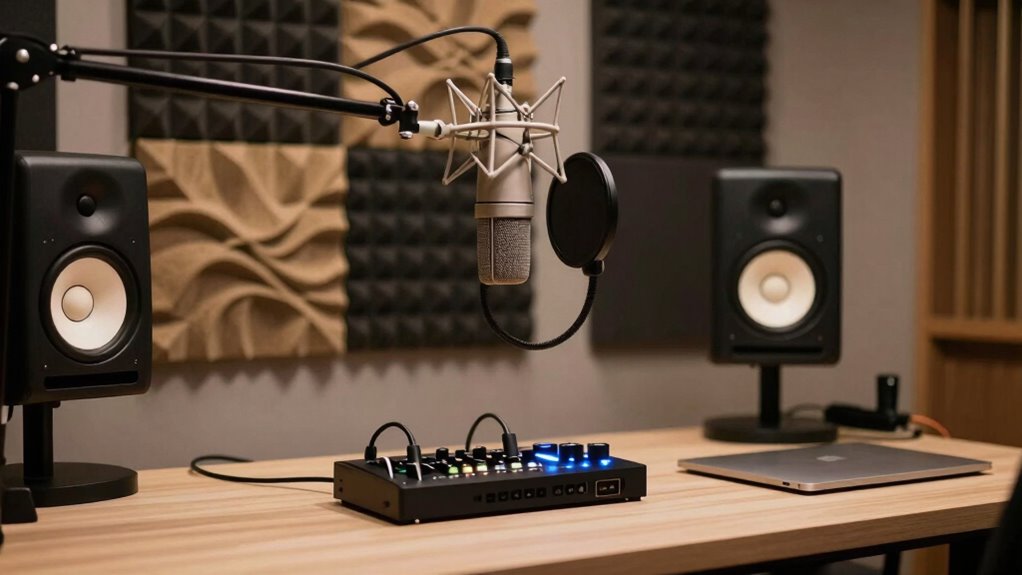
Creating a dedicated, well-optimized recording space is essential for achieving clear, professional sound quality. Your space directly impacts your podcast branding, shaping how listeners perceive your show. Start by choosing a quiet room with minimal background noise and natural acoustics. Use soft materials—curtains, rugs, or foam panels—to reduce echo and improve clarity. Position your microphone properly, keeping it close but avoiding plosives. Good sound quality boosts listener engagement, making your content more enjoyable and memorable. Keep your workspace organized and distraction-free to stay focused during recordings. Consistency in your setup helps build a recognizable podcast brand and keeps your audience coming back. Remember, a professional-sounding podcast reflects your dedication and encourages stronger listener connection. Incorporating inclusive casting into your branding can also broaden your audience and make your content more relatable.
![SOUND FORGE Audio Studio 16 - The complete solution for recording, audio editing, restoration and mastering in one | Audio Software | Music Program | for Windows 10/11 [PC Online code]](https://m.media-amazon.com/images/I/41IasYLiIkL._SL500_.jpg)
SOUND FORGE Audio Studio 16 – The complete solution for recording, audio editing, restoration and mastering in one | Audio Software | Music Program | for Windows 10/11 [PC Online code]
- All-in-One Audio Editor: Record, edit, restore, and master audio
- ModernEQ: Advanced equalizer for precise sound shaping
- ModernReverb: Enhanced reverb effects for natural sound
As an affiliate, we earn on qualifying purchases.
As an affiliate, we earn on qualifying purchases.
Simple Noise Reduction Techniques to Clean Up Your Audio
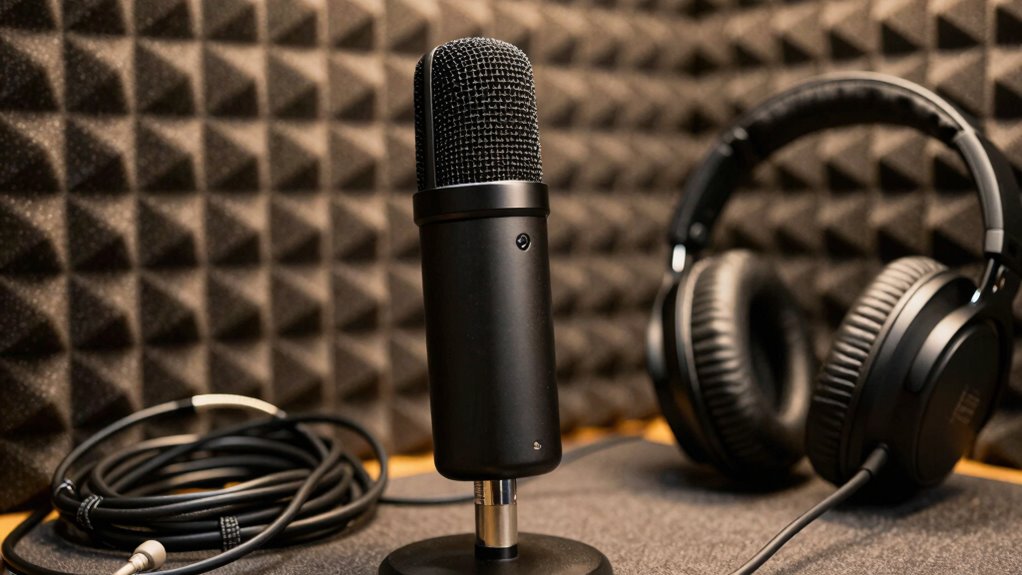
To improve your podcast audio, you need to identify common noise sources like hums, background chatter, or static. Using noise reduction tools in your editing software can make a big difference, but applying them carefully is key. With simple tips, you can achieve clearer, more professional-sounding audio that keeps listeners engaged. Incorporating filtration efficiency thoughtfully can also help create a more natural sound that complements your content. Additionally, understanding noise sources and how they impact your recordings can guide you in applying the most effective noise reduction techniques. Considering the horsepower of electric dirt bikes and their performance can inspire you to choose equipment with optimal power and efficiency for your recording setup, much like how understanding shipwreck preservation requires knowledge of historical structural integrity and environmental factors.
Identifying Common Noise Sources
Noise issues often stem from common sources that can be easily overlooked, but identifying them is the first step toward cleaner audio. Background hum is a frequent culprit, often caused by nearby electrical devices or improperly grounded equipment. Electrical interference can create buzzing or crackling sounds that disrupt your recordings. To identify these issues, listen carefully during playback, paying attention to consistent noises that don’t match your voice or environment. Use headphones to isolate sounds and determine if the noise originates from your microphone, cables, or power sources. Recognizing these sources helps you troubleshoot effectively, whether by relocating equipment, replacing faulty cables, or adjusting power outlets. Additionally, being aware of Electrical interference from nearby devices like motorized tools or power supplies can significantly improve your audio quality. Proper grounding and shielding of your audio equipment can also prevent unwanted electrical noise, ensuring a cleaner sound. Being mindful of surrounding electrical devices can help you pinpoint and eliminate disruptive interference, leading to a much clearer recording. Regularly inspecting your equipment for damaged cables can prevent unexpected noise issues and maintain consistent audio quality. Implementing noise filtering techniques during editing can further enhance your final sound. Pinpointing common noise sources guarantees you can target your efforts to improve overall audio quality.
Applying Noise Reduction Tools
Once you’ve identified the sources of unwanted background sounds, the next step is to apply noise reduction tools to clean up your recordings. Start with noise suppression features in your editing software, which target consistent background sounds like hums or hisses. Use a noise profile or sample of the unwanted noise to guide the filter, ensuring it removes noise without affecting your voice. Adjust the reduction level carefully—too much can make your audio sound unnatural, while too little won’t improve clarity. The goal is to enhance audio clarity, making your voice stand out crisply against any background. Regularly preview your edits to find the right balance. Simple noise reduction techniques like these can dramatically improve your podcast’s overall sound quality. Incorporating digital concepts into your editing process helps ensure a clean, professional sound. Understanding household noise sources can also help you identify and minimize background sounds during recording. Applying basic noise reduction techniques not only improves clarity but also aligns with the evolving role of AI-driven tools in audio editing. Familiarity with background sound sources can further refine your approach to noise reduction. Additionally, leveraging AI-powered noise reduction tools can automate and enhance the effectiveness of your edits, saving time and increasing precision.
Tips for Clearer Audio
Achieving clearer audio doesn’t have to be complicated. Simple noise reduction techniques can transform your recordings, enhancing your audio storytelling and boosting listener engagement. Use noise gates to eliminate background hums during pauses, or apply equalization to reduce harsh sounds. Always record in a quiet space, and monitor your audio with headphones to catch issues early. Incorporate safe solar system design principles to ensure your recording environment remains secure and free from hazards. Consistent editing ensures your message stays clear and professional, making your content more captivating.

InnoGear Mic Stand Tripod Boom Arm Floor Microphone Stand Height Adjustable
- Adjustable Height: 28.1 to 89.8 inches
- Heavy Duty Support: Upgraded load-bearing structure
- Stable Tripod Base: Thickened steel for stability
As an affiliate, we earn on qualifying purchases.
As an affiliate, we earn on qualifying purchases.
Using EQ and Compression to Make Your Podcast Sound Polished
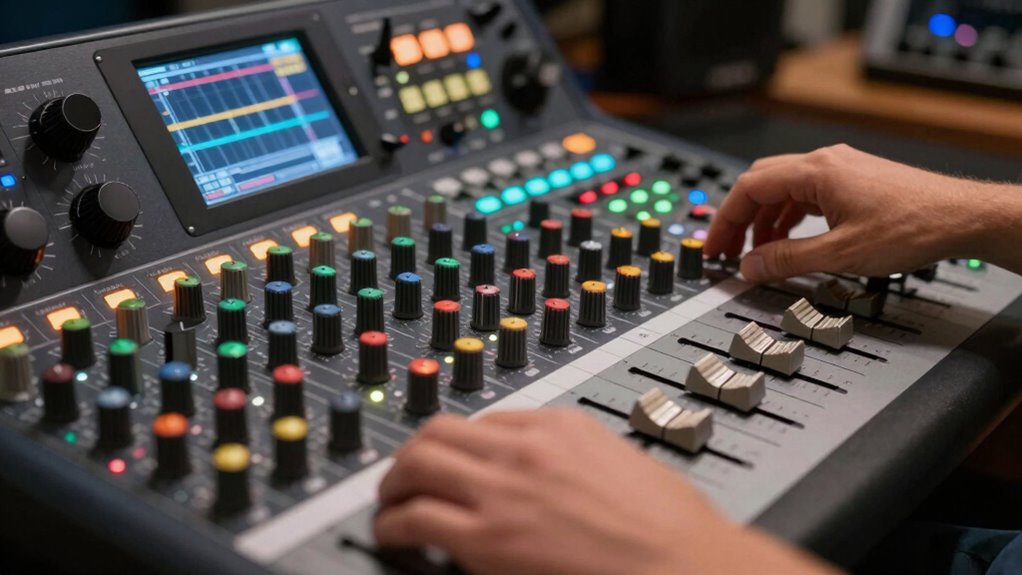
To make your small podcast sound polished, mastering EQ and compression is essential. EQ techniques help you carve out space for each voice, reducing muddiness and enhancing clarity. Focus on gentle boosts or cuts to emphasize natural tones and eliminate harsh frequencies. Compression strategies, on the other hand, balance volume levels, ensuring your voice stays consistent without sounding flat or overly dynamic. Use compression to tame peaks and bring quieter parts forward, making your audio sound more professional. Proper application of both tools prevents listener fatigue and creates a smooth, cohesive sound. Additionally, choosing the right studio gear, such as quality microphones and audio interfaces, can significantly improve your recording quality from the start. Regularly monitoring your audio with audio meters can help you maintain consistent levels and avoid clipping or distortion. Remember to use EQ sparingly—overdoing it can introduce unnatural artifacts. Understanding the fundamentals of audio processing can help you make more informed mixing decisions. When combined thoughtfully, EQ techniques and compression strategies transform your raw recordings into a polished, radio-ready audio experience.
Essential Accessories That Elevate Your Podcast Audio Quality
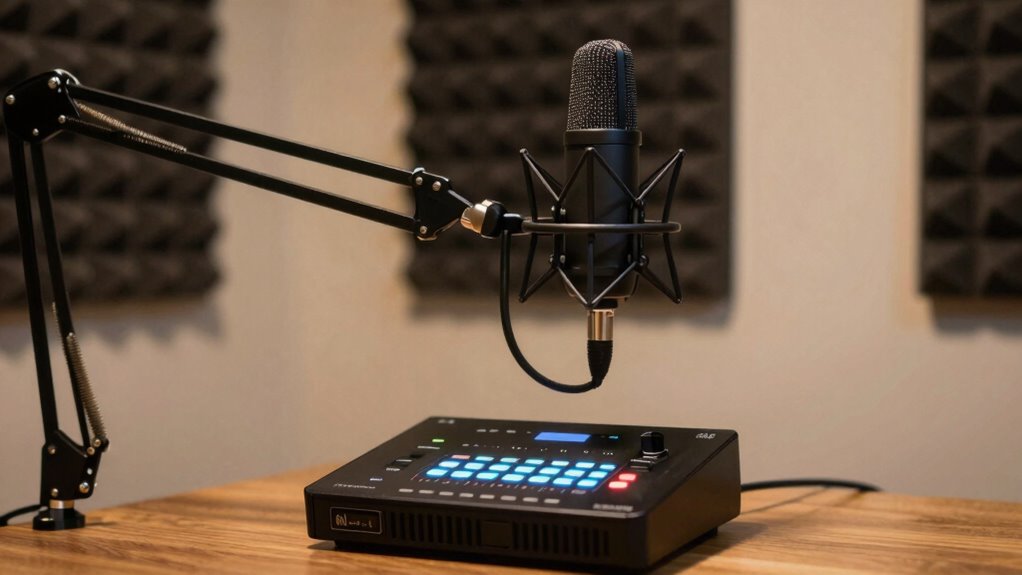
Elevating your podcast audio quality doesn’t rely on your microphone alone; essential accessories can make a significant difference. These tools enhance your setup, enabling you to craft creative storytelling that captivates listeners and boosts engagement.
Enhance your podcast with essential accessories for professional sound and captivating storytelling.
- Pop Filter: Reduces plosive sounds, ensuring clarity and professionalism in your voice.
- Audio Interface: Improves sound quality by providing clean, high-quality input and better control over your audio levels.
- Shock Mount: Minimizes vibrations and handling noise, keeping your recordings crisp and distraction-free.
With these accessories, you can focus on delivering compelling content, making your small podcast sound massive. Better audio quality creates an immersive experience, encouraging your audience to stay tuned and engage deeply with your stories.
How to Test and Compare Your Audio Before Publishing
Before publishing your episode, it’s essential to listen to your recordings carefully and compare different versions to guarantee the best quality. Conduct an audio test by playing back your recordings on various devices—headphones, speakers, and smartphones—to catch issues that might go unnoticed on your primary setup. During the sound comparison, focus on clarity, volume consistency, and background noise. Listen for any distortions or uneven levels that could distract listeners. Adjust your audio as needed and re-test until you’re satisfied. This process ensures your podcast sounds professional across all platforms and devices. Taking the time for a thorough audio test helps you catch problems early, saving you time and avoiding costly re-edits after publishing.
Tips for Consistently Producing High-Quality Podcast Sound
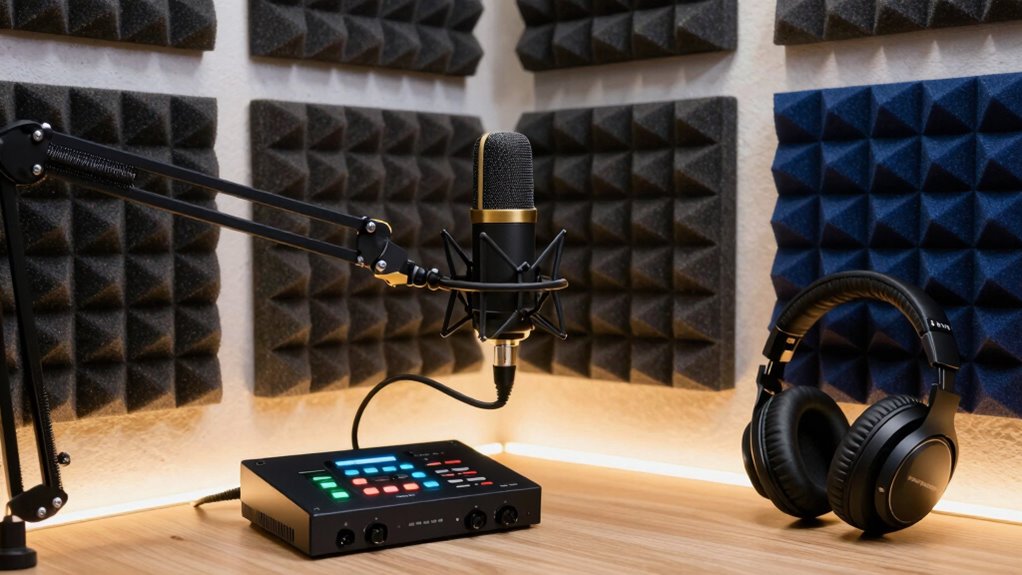
To keep your podcast sound consistently high-quality, start by optimizing your recording environment to reduce background noise. Invest in a good-quality microphone and position it correctly for clear audio. Additionally, monitor and maintain consistent volume levels throughout each episode to guarantee a professional listening experience.
Optimize Recording Environment
Creating a quiet, controlled recording environment is essential for capturing clear, professional-sounding podcasts. To optimize your space, focus on soundproofing techniques and acoustic treatment. First, seal gaps around doors and windows to prevent outside noise from entering. Second, add acoustic panels or foam to absorb echoes and reduce reverberation, creating a cleaner sound. Third, position your recording setup away from noisy appliances or high-traffic areas to minimize disruptions. These steps help eliminate unwanted background noise and improve overall audio quality. By carefully implementing soundproofing techniques and acoustic treatment, you guarantee your recordings are consistently crisp and clear, setting a strong foundation for high-quality podcast production.
Use Quality Microphones
Using a quality microphone is one of the most effective ways to guarantee your podcast sounds professional and consistent. The right microphone type can drastically improve audio clarity and reduce background noise. When selecting recording equipment, consider dynamic microphones for louder environments or condenser microphones for studio settings. High-quality microphones capture your voice accurately, making your content sound polished. Here’s a quick comparison:
| Microphone Type | Best For |
|---|---|
| Dynamic | Noisy environments |
| Condenser | Studio-quality, detailed sound |
| Lavalier | On-the-go recording |
Investing in good recording equipment assures your voice is crisp and clear, giving your podcast a more professional edge and engaging your audience.
Maintain Consistent Levels
Maintaining consistent audio levels is essential for delivering a professional-sounding podcast that keeps listeners engaged. Proper volume balancing prevents sudden jumps or drops in sound, ensuring a smooth experience. To achieve this, focus on three key steps:
- Use compressors or limiters during editing to control dynamic range, maintaining a steady volume without sacrificing audio quality.
- Regularly monitor your recordings with headphones, adjusting input levels to prevent clipping or inaudible segments.
- Employ consistent microphone techniques and positioning to minimize fluctuations caused by varying voice proximity or movement.
Troubleshooting Common Audio Issues in Podcasting
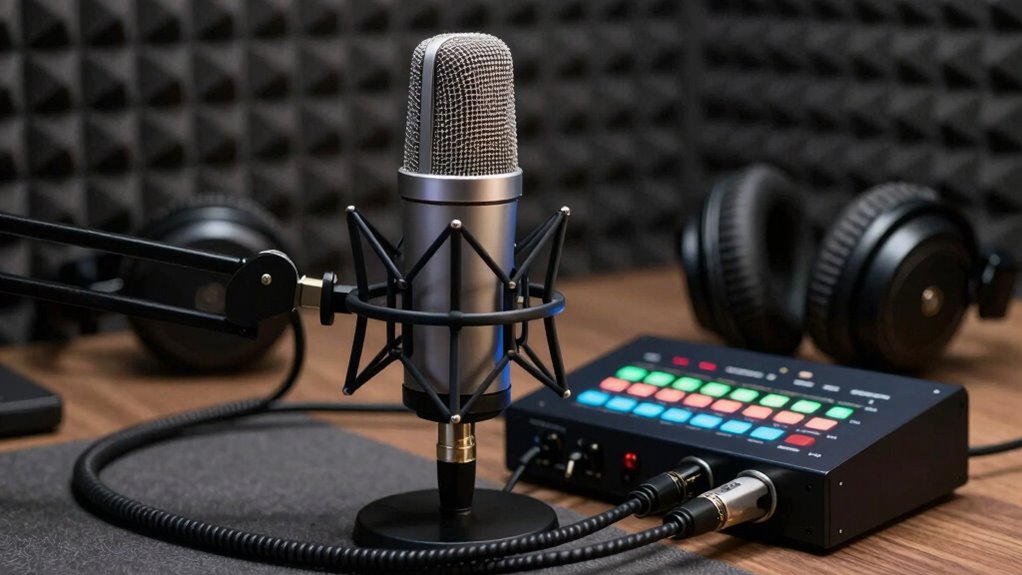
When you start experiencing audio issues in your podcast, it can be frustrating, but many problems have straightforward solutions. If your audio sounds tinny or muffled, check your microphone placement and settings to improve clarity. Background noise might be distracting your listeners—use noise reduction tools or soundproof your space. If volume levels fluctuate, review your audio levels regularly and use compression to maintain consistent sound. Poor audio quality can harm your podcast branding, making it harder to attract and retain listeners. Addressing these issues quickly boosts listener engagement and demonstrates professionalism. Keep an ear out for these common problems, and don’t hesitate to troubleshoot step-by-step to keep your podcast sounding polished and inviting.
Frequently Asked Questions
What Are the Best Affordable Audio Enhancement Tools for Small Podcasts?
You can improve your small podcast’s sound quality with affordable tools like Noise Suppressor plugins, which reduce background noise, and EQ software to enhance clarity. Proper microphone positioning is essential—keep the mic close and avoid background distractions. Investing in a budget-friendly USB microphone also boosts audio quality without breaking the bank. These simple upgrades help your voice stand out, making your podcast sound more professional and engaging.
How Can I Improve My Voice’s Presence Without Expensive Equipment?
Did you know that clear voice modulation can increase listener engagement by up to 30%? To improve your voice’s presence without expensive gear, focus on controlling your tone and pitch. Practice voice modulation to sound more dynamic and confident. Also, minimize background noise by recording in a quiet space and using free noise reduction apps. These simple steps make your voice stand out, creating a more professional and engaging podcast.
Are There Any Mobile Apps That Significantly Boost Podcast Audio Quality?
Yes, several mobile apps can substantially boost your podcast audio quality. Apps like Anchor or Rode Reporter offer noise reduction features to minimize background noise and improve clarity. They also guide you on proper microphone placement, helping you avoid muffled or distant sound. By using these apps, you can enhance your audio quality on the go, making your podcast sound more professional without needing expensive gear.
How Does Room Acoustics Influence Podcast Sound, and How Can I Optimize Them?
A wise man once said, “A good foundation is key.” Room acoustics greatly influence your podcast sound by affecting room reflection and echo. To optimize, add acoustic treatment like foam panels or diffusers to absorb or scatter sound waves, reducing unwanted reflections. Position your microphone away from reflective surfaces and consider soft furnishings to improve clarity. These steps create a controlled environment, making your voice sound professional and polished.
What Are Common Mistakes That Diminish Podcast Audio Professionalism?
You often diminish your podcast’s professionalism by neglecting audio consistency and letting background noise slip in. Avoid abrupt volume changes and guarantee your levels stay steady throughout. Use quality microphones and soundproof your space to minimize background noise. Don’t overlook the importance of editing; clean up inconsistencies and remove distractions. These steps help create a polished, professional sound that keeps listeners engaged and enhances your podcast’s credibility.
Conclusion
Just like a master chef perfects each ingredient, refining your audio guarantees your podcast stands out. With the right gear, setup, and techniques, you’ll craft a sound as compelling as a classic symphony. Remember, every detail counts—so keep testing, tweaking, and listening. Your audience will thank you for the effort, and your podcast will resonate long after the first listen. Step up your game, and let your voice be heard loud and clear.