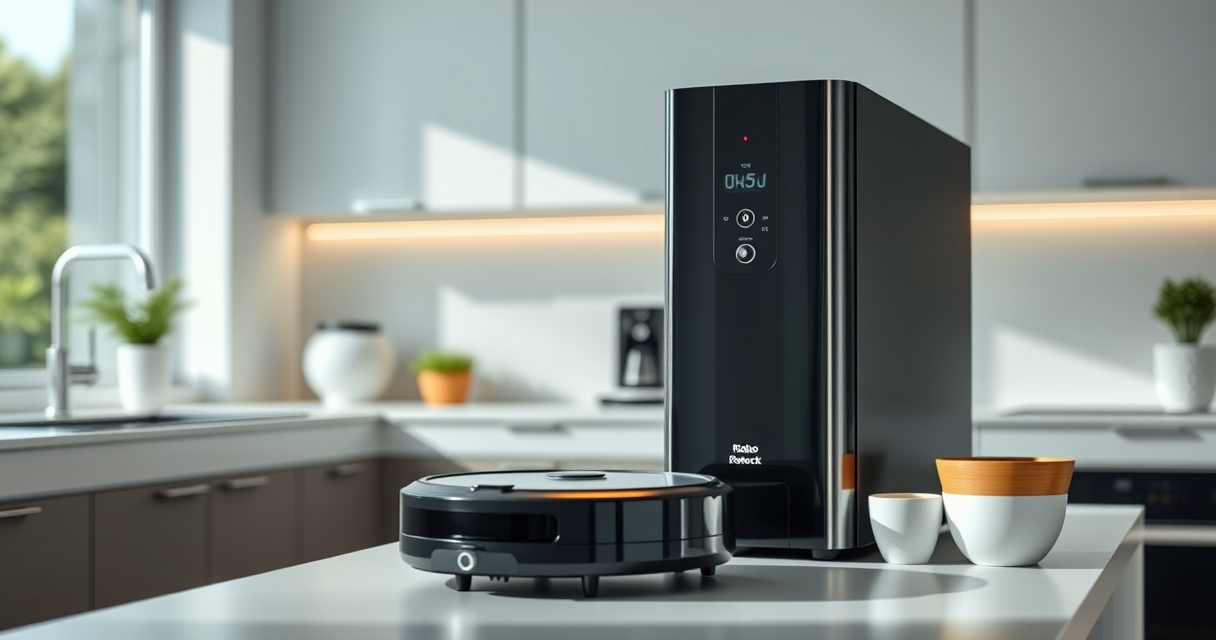
If your Roborock Q7 M5+ robot vacuum isn’t connecting to WiFi, it can be frustrating and hinder your cleaning routine. Fortunately, most connectivity issues are fixable with simple troubleshooting steps. This guide will walk you through common causes and practical solutions to get your device back online, ensuring you enjoy seamless app control and scheduling.
Before starting, ensure your WiFi network is working properly and your smartphone is connected to the same network. Patience and careful follow-through are key to resolving WiFi connection problems quickly and safely.
Key Takeaways
| Check WiFi Compatibility | Ensure your WiFi network meets the robot’s requirements. |
| Restart Devices | Power cycle your robot, router, and smartphone. |
| Update Firmware | Keep the robot and app updated for best performance. |
| Reset Network Settings | Reset WiFi on the robot if persistent issues occur. |
| Reinstall App | Reinstall the Roborock app for a fresh connection setup. |

roborock Q7 M5+ Robot Vacuum and Mop, Up to 7-9 Weeks Self-Empty, 10000Pa
- Long-Lasting Cleaning Cycles: Up to 7-9 weeks with large dust bag
- Powerful Suction: 10000Pa for deep cleaning on all surfaces
- Tangle-Resistant Brushes: Dual anti-tangle design reduces hair wrap
As an affiliate, we earn on qualifying purchases.
Verify Your WiFi Network
- Check that your WiFi network is 2.4GHz, as many Roborock models prefer this frequency for stable connection.
- Ensure your WiFi signal is strong where the robot is operating.
- Confirm your network password is correct and your router isn’t blocking the device.
Restart and Reconnect
- Turn off your Roborock Q7 M5+ by pressing the power button or removing the power source.
- Unplug your router for 30 seconds, then plug it back in and wait for it to fully reconnect.
- Open the Roborock app and try to reconnect the robot following the initial setup instructions.
Reset WiFi on the Robot
- Press and hold the WiFi button on the robot for about 10 seconds until the indicator flashes, indicating reset mode.
- Follow the app prompts to add the device again, selecting your WiFi network and entering the password.
Update Firmware and App
- Check for firmware updates in the Roborock app and install if available.
- Ensure your smartphone app is updated to the latest version from your app store.
Additional Tips and Warnings
- Keep your WiFi router firmware updated for optimal performance.
- Avoid using a VPN or firewall that might block the connection.
- Place the robot closer to the router during setup to improve signal strength.
Warning: Never attempt to open or repair the robot’s internal components yourself, as this may void your warranty or cause damage.
The Products in This Guide

roborock Q7 M5+ Robot Vacuum and Mop
- ✔ Self-Emptying: Yes
- ✔ Pet Hair Handling: Dual Anti-Tangle System
- ✔ Navigation Technology: PreciSense LiDAR

4 Pack Washable Filter
- ✔ Reusable: Yes
- ✔ HEPA Filter: Yes
- ✔ Pack Size: 4
roborock Q7 M5+ Robot Vacuum and Mop
The Roborock Q7 M5+ offers powerful suction, advanced navigation, and a self-emptying dustbin, making it a top choice for thorough cleaning with minimal maintenance.
Pros:
- Up to 7-9 weeks of self-emptying
- 10000Pa suction power
- PreciSense LiDAR navigation
- App control for easy scheduling
Cons:
- Higher price point
- Requires stable WiFi for full features
- Might need firmware updates for optimal performance
Best for: Homeowners seeking reliable, high-performance cleaning with minimal manual intervention.
Not ideal for: Users with unstable internet or limited WiFi coverage in the cleaning area.
Bottom line: A highly capable robot vacuum that combines powerful cleaning with convenience features.
4 Pack Washable Filter
The 4 Pack Washable Filter ensures your Roborock maintains optimal suction and air quality, easy to replace and washable for long-term use.
Pros:
- Compatible with multiple models
- Washable and reusable
- Maintains high filtration efficiency
- Easy to install
Cons:
- Requires regular cleaning
- Not OEM, but performs well
Best for: Users wanting to keep their vacuum’s filtration system effective and eco-friendly.
Not ideal for: Those seeking OEM-certified filters only.
Bottom line: A cost-effective way to ensure your vacuum stays efficient and your home air stays clean.
Frequently Asked Questions
Why is my Roborock not connecting to WiFi?
Common reasons include WiFi signal issues, incorrect password, firmware outdated, or network incompatibility. Follow troubleshooting steps to resolve.
Can I reset the WiFi without losing data?
Resetting the WiFi typically only affects network connection settings; your cleaning schedules and maps are stored in the app and should remain intact.
What WiFi frequency does the Roborock support?
Most Roborock models, including the Q7 M5+, prefer 2.4GHz WiFi for stable connectivity.
How often should I update the firmware?
Check for firmware updates regularly through the app to ensure your device benefits from the latest features and fixes.
Getting Your Roborock Back Online
WiFi connectivity issues with your Roborock Q7 M5+ are often straightforward to fix with patience and careful troubleshooting. Ensuring your network compatibility, performing device restarts, and keeping firmware updated can resolve most problems. If issues persist, resetting the robot’s WiFi and reinstalling the app can often do the trick. Stay proactive with updates and network maintenance to enjoy seamless cleaning and app control.
Affiliate disclosure: As an Amazon Associate we earn from qualifying purchases. Prices and availability are accurate as of the time of publishing.