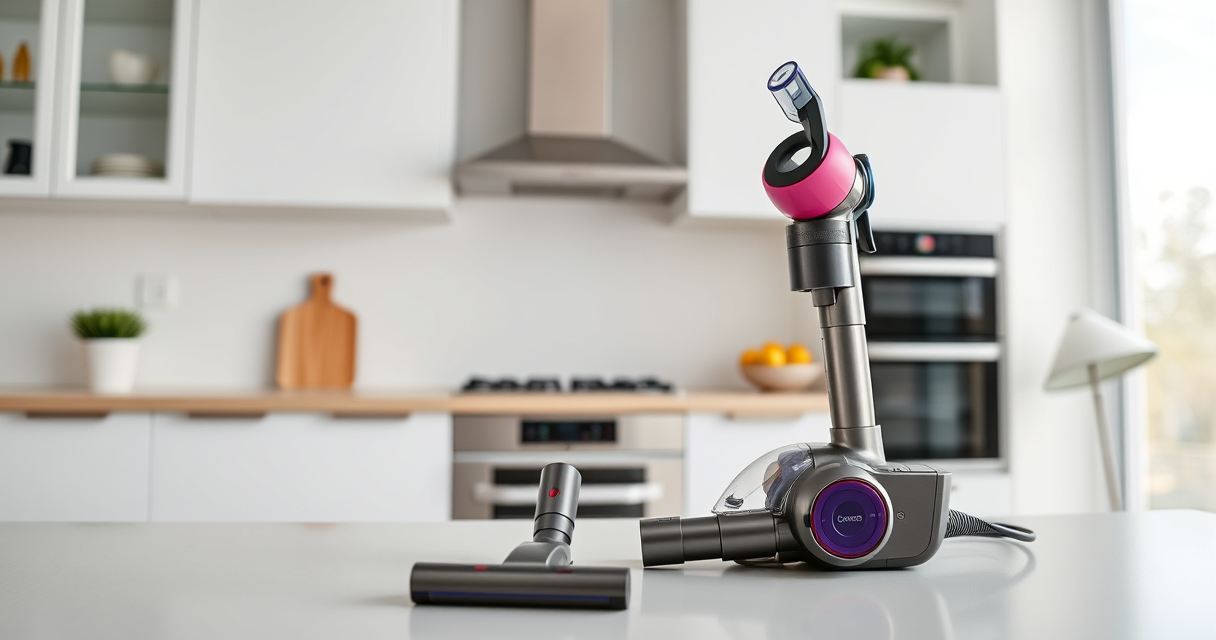
Setting up your new Dyson V15 Detect™ Origin cordless vacuum is straightforward but requires attention to detail for optimal performance and safety. This guide walks you through each step, from unpacking to initial use, ensuring you get the most out of your powerful cleaning tool.

Get home appliances delivered free with Prime
- Fast, free delivery on millions of items
- Prime Video, Amazon Music and more included
- Member-only deals all year
Follow these instructions carefully, and you’ll be ready to tackle any mess with confidence and efficiency.
Key Takeaways
| Powerful and intelligent cleaning | Reveals invisible dust and adapts power based on debris and floor type. |
| Long battery life | Provides up to 60 minutes of run time for extensive cleaning sessions. |
| Easy conversion to handheld | Switches effortlessly for car, stairs, and upholstery cleaning. |
| Smart LCD display | Shows particle count, power mode, maintenance alerts, and run time. |
Unpack and Inspect Your Dyson V15 Detect™
- Carefully remove the vacuum and all accessories from the packaging.
- Check that all parts listed in the box, including the main vacuum, cleaner heads, crevice tool, and filters, are present and undamaged.
- Ensure the pre-filters are properly installed. If using replacement filters, install them securely as per the instructions.
Charge the Battery Fully Before First Use
- Connect the charging dock to a power outlet.
- Place the vacuum onto the dock, ensuring it clicks into place.
- Allow the vacuum to charge fully, which typically takes about 3.5 hours for a complete charge.
- Check the LCD screen for a full battery icon before first use.
Assemble the Vacuum and Attach the Cleaner Head
- Insert the desired cleaner head (e.g., Fluffy Optic or Digital Motorbar) onto the main body until it clicks securely.
- Attach the crevice tool or other accessories as needed for specific cleaning tasks.
- Ensure all connections are tight before powering on.
Power On and Adjust Settings
- Press the power trigger to turn on the vacuum. Release to turn off, helping conserve battery life.
- Use the LCD display to select the appropriate power mode based on your cleaning needs.
- Start cleaning, and monitor particle count and battery status on the screen.
Maintain and Troubleshoot Your Dyson V15 Detect™
Regularly check and clean the filters using water, ensuring they are completely dry before reinstalling. Replace filters as needed using compatible replacement parts. If the vacuum loses suction or the LCD shows an alert, inspect for blockages, clean filters, or replace worn parts following the troubleshooting tips in your user manual.
The Products in This Guide

Dyson V15 Detect™ Origin Cordless Vacuum
- ✔ Type: Cordless Stick
- ✔ Color: Origin
- ✔ Charge Time: 3.5 hours

LANMU Crevice Tool Vacuum Attachments Compatible
- ✔ Nozzle Type: Crevice
- ✔ Length: Approx. 10 inches
- ✔ Material: Plastic
Dyson V15 Detect™ Origin Cordless Vacuum
The Dyson V15 Detect™ Origin offers deep cleaning with advanced features like dust detection, LCD display, and intelligent power modes. Its cordless design and long battery life make it convenient for thorough, whole-home cleaning.
Pros:
- Reveals invisible dust for thorough cleaning
- Adapts power based on debris detected
- Long-lasting battery with 60-minute runtime
- Includes versatile cleaner heads and tools
Cons:
- Premium price point
- Requires regular filter maintenance
- Battery cannot be replaced by user
Best for: Deep cleaning homes with pet hair and dust, hard floors, and carpets.
Not ideal for: For those needing a budget-friendly or corded vacuum option.
Bottom line: A top-tier cordless vacuum perfect for comprehensive home cleaning.
LANMU Crevice Tool Vacuum Attachments Compatible
The LANMU Crevice Tool Vacuum Attachments is compatible with Dyson V15 and other models, providing a narrow, flexible nozzle to reach tight spaces and corners effortlessly.
Pros:
- Narrow nozzle for tight spaces
- Compatible with multiple Dyson models
- Flexible and slim design
- Easy to attach and detach
Cons:
- Not suitable for V6 or canister models
- Additional attachment needed for full cleaning kit
Best for: Cleaning hard-to-reach areas in home and car interiors.
Not ideal for: For users looking for a full vacuum replacement, not just an attachment.
Bottom line: A practical tool to improve your vacuum’s reach and versatility.
Frequently Asked Questions
How often should I replace the filters?
It is recommended to replace or clean the filters every 2-3 months, depending on usage. Use the compatible replacement filters for best performance.
Can I leave the vacuum on charge all the time?
Yes, the Dyson V15 Detect™ is designed to be used with the charger continuously. Just ensure it is placed securely on the dock.
How do I know when to replace the filters?
The LCD screen will display a maintenance alert when filters need cleaning or replacing. Regular cleaning prolongs filter life and maintains suction.
Is the vacuum suitable for pet hair?
Absolutely. The Digital Motorbar cleaner head is designed to de-tangle and remove pet hair efficiently from all floor types.
Mastering Your Dyson V15 Detect™ Setup
Following these steps will ensure your Dyson V15 Detect™ Origin is set up correctly and ready to deliver powerful, efficient cleaning. Regular maintenance, like filter cleaning and checking for blockages, will keep it performing at its best. Enjoy a cleaner home with this smart, versatile vacuum that adapts to your needs.
Affiliate disclosure: As an Amazon Associate we earn from qualifying purchases. Prices and availability are accurate as of the time of publishing.
Cold & flu season Picks
humidifiers
As an affiliate, we earn on qualifying purchases.