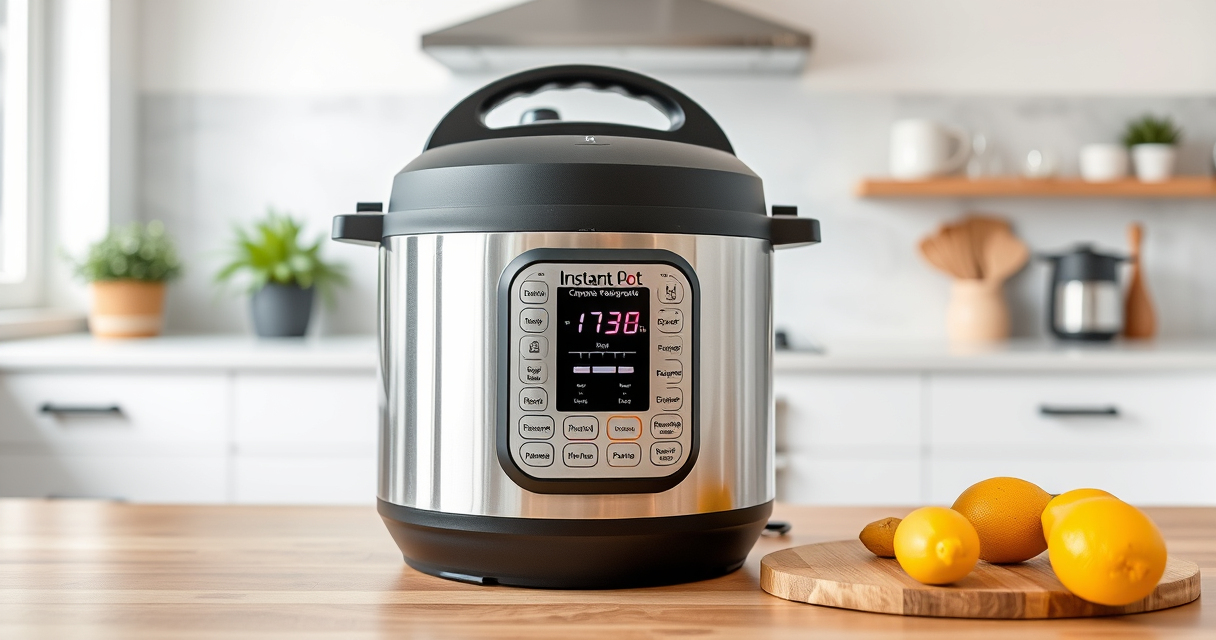

If your Instant Pot 4QT RIO Mini keeps showing a burn error, it can be frustrating and disrupt your cooking plans. This guide provides clear, safe steps to troubleshoot and resolve common causes of the burn message, ensuring your pressure cooker operates smoothly again.

Get home appliances delivered free with Prime
- Fast, free delivery on millions of items
- Prime Video, Amazon Music and more included
- Member-only deals all year
Understanding the possible issues—such as food sticking, insufficient liquid, or sealing ring problems—helps you fix the problem quickly and prevent future errors. Follow these practical instructions to get your Instant Pot back in action without hassle.
Key Takeaways
| Check the Food Layer | Burn errors often occur if food is stuck or overly thick at the bottom. |
| Ensure Adequate Liquid | Insufficient liquid can cause the cooker to burn; add enough to create steam. |
| Inspect the Sealing Ring | A damaged or improperly fitted sealing ring may cause pressure issues. |
| Avoid Overfilling | Exceeding the max fill line can lead to burn errors. |
| Clean the Base Thoroughly | Food residue or stuck particles can trigger burn messages. |
Step 1: Check and Clear the Inner Pot
- Open the lid and carefully remove the inner pot of your Instant Pot.
- Inspect the bottom for stuck food, residue, or burnt bits.
- Use a non-abrasive scrubber or cloth to clean thoroughly, especially the bottom and edges.
Step 2: Verify Liquid Levels and Food Placement
- Add enough liquid (water, broth, or sauce) to meet the minimum requirement specified in your recipe or manual.
- Make sure food is not layered too thickly at the bottom — spread ingredients evenly and avoid blocking the steam vent.
Step 3: Check the Sealing Ring and Lid
- Remove the sealing ring from the lid and inspect for cracks, tears, or food debris.
- Replace if damaged; ensure it’s seated properly and snugly fit in the lid.
- Reattach the lid securely, aligning the steam vent correctly.
Step 4: Ensure Proper Venting and Avoid Overfilling
- Make sure the steam release handle or valve is in the sealing position.
- Do not fill beyond the maximum fill line marked inside the inner pot.
- If using thick or starchy foods, consider reducing the cooking time or stirring midway.
Additional Tips and Safety Warnings
- Always follow the manufacturer’s instructions for liquid amounts and maximum fill levels.
- Regularly clean the sealing ring and lid to prevent residue buildup.
- If the burn error persists after troubleshooting, turn off and unplug the device, then contact customer support.
The Products in This Guide

Instant Pot 4QT RIO Mini 7-in-1 Multi-Cooker
- ✔ Model: RIO Mini 7-in-1
- ✔ Warranty: 1 Year
- ✔ Power: 1000W

AOZITA Steamer Basket
- ✔ Capacity: Two-tier
- ✔ Color: Silver
- ✔ Compatibility: 6/8 Quart models
Instant Pot 4QT RIO Mini 7-in-1 Multi-Cooker
The Instant Pot 4QT RIO Mini offers versatile cooking functions in a compact size, making it ideal for small households and quick meals. Its simple design helps prevent common pressure cooker errors, including burn messages, with proper maintenance.
Pros:
- 7-in-1 versatility
- Compact and space-saving
- Easy to clean
- Progress indicator
Cons:
- Limited capacity for large families
- Manual monitoring required for some functions
- Potential for burn errors if not used correctly
Best for: Small families, singles, students needing quick, versatile cooking
Not ideal for: Cooking for large groups or extensive meal prep
Bottom line: A dependable small pressure cooker with multiple functions, best used with proper maintenance to avoid burn errors.
AOZITA Steamer Basket
The AOZITA Steamer Basket complements your Instant Pot by allowing you to steam multiple foods simultaneously, saving time and maintaining separation of ingredients.
Pros:
- Two-tier stacking
- Durable stainless steel
- Easy to use
- Fits 6 and 8 Qt models
Cons:
- Adds extra cleaning step
- Requires space inside the pot
- Not suitable for very thick foods
Best for: Steaming vegetables, seafood, and dumplings efficiently
Not ideal for: For recipes requiring direct contact with liquid or liquids only
Bottom line: A versatile steamer basket that maximizes your Instant Pot’s utility with minimal fuss.
Frequently Asked Questions
What causes the burn error on my Instant Pot?
Burn errors typically occur due to food sticking to the bottom, insufficient liquid, overfilling, or a damaged sealing ring.
How can I prevent burn errors in the future?
Ensure your food has enough liquid, avoid overfilling, stir thick ingredients, and keep the bottom clean before cooking.
Can I still cook if I get a burn error?
Yes, but you should first troubleshoot by clearing stuck food, adding more liquid, and checking the sealing ring before restarting the cooker.
Is cleaning the sealing ring necessary?
Absolutely; a clean sealing ring ensures proper pressure and prevents errors caused by leaks or residue buildup.
Getting Your Instant Pot Back on Track
By following these practical troubleshooting steps, you can resolve a burn error on your Instant Pot 4QT RIO Mini quickly and safely. Regular maintenance, proper food layering, and correct liquid levels help prevent future issues, allowing you to enjoy stress-free cooking with your versatile multi-cooker.
Affiliate disclosure: As an Amazon Associate we earn from qualifying purchases. Prices and availability are accurate as of the time of publishing.
Fall Picks
fall essentials
As an affiliate, we earn on qualifying purchases.