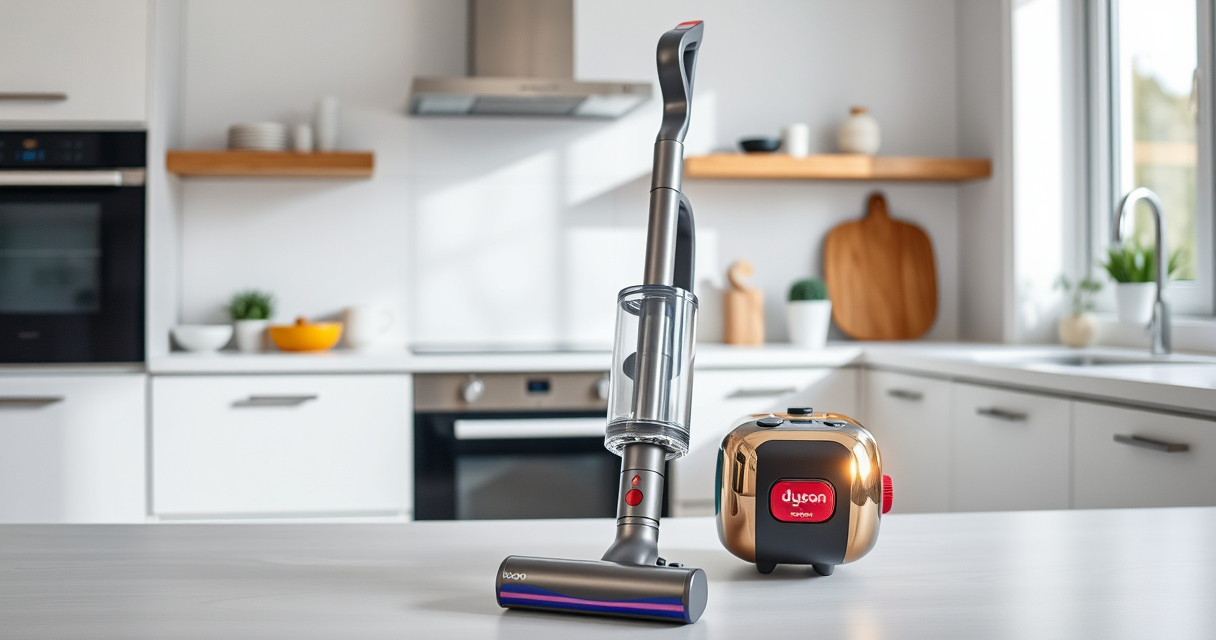
If your Dyson V15 Detect™ Origin cordless vacuum’s battery is dying faster than it used to, it can be frustrating and impact your cleaning routine. Batteries naturally degrade over time, but other factors can accelerate this process. This guide provides clear, safe steps to diagnose causes and extend your vacuum’s battery life effectively.
Follow these troubleshooting steps carefully to identify issues and improve your vacuum’s run time, ensuring you get the most out of your investment.
Key Takeaways
| Battery age and usage | Older batteries or frequent use can reduce run time. |
| Clogged filters or blockages | Dirty filters or blockages can cause the motor to work harder, draining the battery. |
| Battery health and maintenance | Regular maintenance and timely replacement of filters can preserve battery life. |
| Proper charging habits | Using the correct charger and avoiding overcharging helps longevity. |

Dyson V15 Detect™ Origin Cordless Vacuum
- Deep cleaning with intelligent detection: Reveals invisible dust for thorough cleaning
- Enhanced power and runtime: 100% more power, 60-minute battery life
- Energy-efficient power trigger: Uses power only when needed
As an affiliate, we earn on qualifying purchases.
Check Battery Age and Usage
- Determine how long you’ve been using your Dyson V15 Detect™ Origin. Batteries typically degrade after 12-18 months of regular use.
- If your vacuum is over a year old, the battery might be nearing the end of its lifespan.

LANMU Crevice Tool Vacuum Attachments Compatible with Dyson V15 V12 V11 V10 V9 V8 V7 Gen5 Outsize Vacuum Cleaner, Narrow Nozzel Replacement Parts for Hard-to-Reach Space
- Wide Compatibility: Compatible with various Dyson models
- Slim and Flexible Design: Narrow nozzle for tight spaces
- Versatile Cleaning Uses: Ideal for furniture, car, and appliance
As an affiliate, we earn on qualifying purchases.
Inspect and Clean Filters
- Remove the pre-filters and other filters from your vacuum as per the user manual.
- Rinse the filters with water and allow them to air dry completely before reinstalling.
- Dirty or clogged filters can cause the motor to strain, leading to faster battery drain.
Check for Blockages and Debris
- Examine the cleaner heads, wand, and crevice tool for obstructions.
- Clear any debris that may be impeding airflow or motor performance.
Optimize Charging Habits
- Always use the original Dyson charger and avoid overcharging the battery (unplug when fully charged).
- Allow the battery to discharge fully before recharging to help calibrate the battery indicator.
Replace the Battery if Necessary
If your battery is old or no longer holds a sufficient charge despite maintenance, consider replacing it with a compatible replacement. Consult Dyson or a trusted supplier for authentic batteries.
The Products in This Guide

Dyson V15 Detect™ Origin Cordless Vacuum
- ✔ Battery Life: Up to 60 mins
- ✔ Weight: 6.8 lbs
- ✔ Filtration: Pre-filters + filters

LANMU Crevice Tool Vacuum Attachments Compatible
- ✔ Length: About 12 inches
- ✔ Material: Plastic
- ✔ Compatibility: Multiple Dyson models
Dyson V15 Detect™ Origin Cordless Vacuum
The Dyson V15 Detect™ Origin offers impressive cleaning power and smart features like debris detection and an LCD screen. However, like all cordless vacuums, its battery can weaken with age and use, affecting run time.
Pros:
- Powerful suction
- Intelligent debris detection
- Long 60-minute runtime
- Includes advanced cleaner heads
Cons:
- Battery may degrade over time
- Requires filter maintenance
- Battery replacement can be costly
Best for: Deep cleaning homes with varied floor types and pet hair.
Not ideal for: If you need a vacuum with easily replaceable batteries or longer runtime without replacement.
Bottom line: A high-performing cordless vacuum that benefits from regular maintenance and timely filter replacements.
LANMU Crevice Tool Vacuum Attachments Compatible
The LANMU Crevice Tool Vacuum Attachments are compatible with Dyson V15 and other models, making it easier to reach those tight spots and corners. It’s a practical addition for thorough cleaning and maintaining optimal airflow.
Pros:
- Narrow nozzle for tight spots
- Flexible and easy to use
- Compatible with multiple Dyson models
- Helps maintain suction efficiency
Cons:
- Attachment may require careful handling
- Additional cost for accessories
Best for: Cleaning hard-to-reach areas like corners, edges, and inside car seats.
Not ideal for: If you prefer built-in tools or have a different vacuum brand.
Bottom line: A versatile tool that enhances your Dyson’s cleaning reach and efficiency.
Frequently Asked Questions
How do I know if my Dyson battery needs replacing?
If your vacuum no longer holds a charge for the usual duration or takes longer to charge, it may be time to replace the battery. Also, a significant decrease in runtime indicates aging or failing batteries.
Can I replace the Dyson battery myself?
Yes, if you follow safety guidelines and ensure you purchase an authentic replacement compatible with your model. Consult your user manual or professional services for guidance.
How often should I replace filters in my Dyson?
It’s recommended to replace or clean filters every 2-3 months to maintain optimal suction and battery efficiency.
What is the best way to extend my Dyson’s battery life?
Use the correct charger, avoid overcharging, keep filters clean, and store the vacuum in a cool, dry place when not in use.
Maximize Your Dyson V15 Detect™ Battery Life
Regular maintenance, filter cleaning, and proper charging habits can significantly extend the lifespan of your Dyson cordless vacuum’s battery. If your battery is old or no longer performs well despite these efforts, consider replacement options to restore peak performance. With proper care, your Dyson will continue to deliver powerful cleaning for years to come.
Affiliate disclosure: As an Amazon Associate we earn from qualifying purchases. Prices and availability are accurate as of the time of publishing.